 Infinity AI Dashboard · for Odoo
Dashboards thatanswer back.
Turn your Odoo data into live dashboards: 179 chart types, a guided builder, and an AI assistant you can ask in plain language. Every figure is computed inside Odoo, with each user’s own access rights.
Community & Enterprise · On-premise & Odoo.sh · Unlimited free support
- Chart types
- 179
- Chart types
- Ready-made packs
- 11
- Ready-made packs
- Pre-built charts
- 61
- Pre-built charts
- AI provider families
- 4
- AI provider families
Odoo holds every number your business runs on — but getting a clear picture still means exporting to spreadsheets, waiting on someone technical, or settling for a handful of basic charts.
Managers cannot simply ask a question, data outside Odoo stays in separate files, and nobody notices when a key figure suddenly drops.
A dashboard workspace for everyone inside Odoo.
Start from a ready-made pack, build charts in five guided steps, or describe what you need and let AI draft it. Bring in spreadsheets, web services and other databases, share with precise rights, get alerts when a KPI crosses a threshold, and roll back any change.
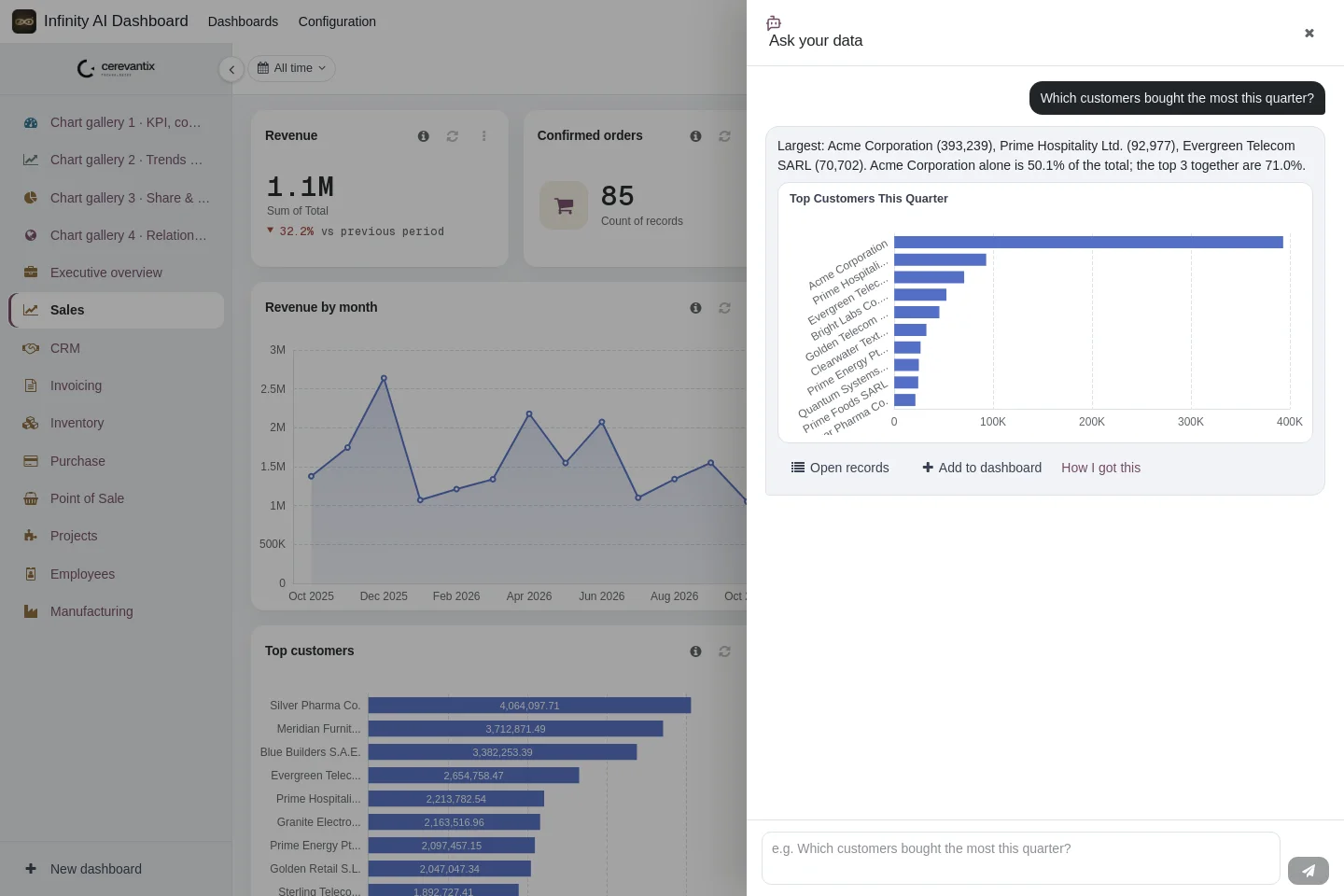
Ask a question. Get a chart.
Five AI capabilities that work on your live Odoo data — and never bypass the access rights of the person asking.
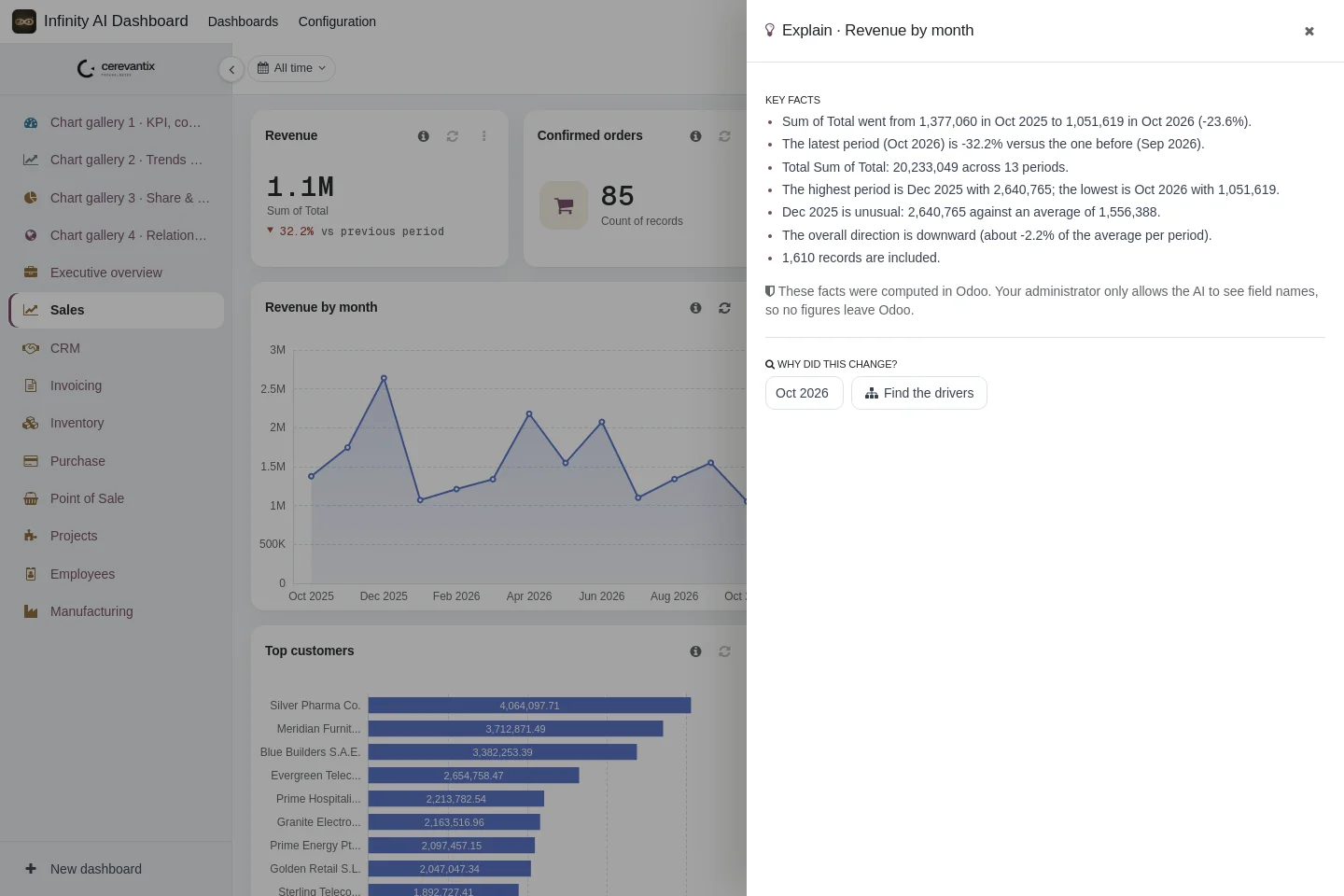
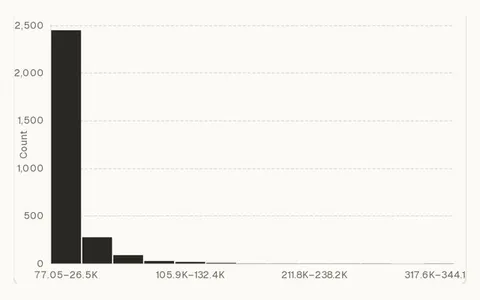
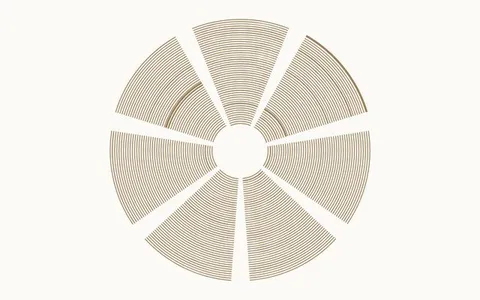
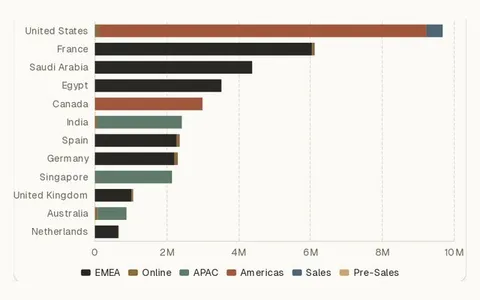
179 chart types. All on real data.
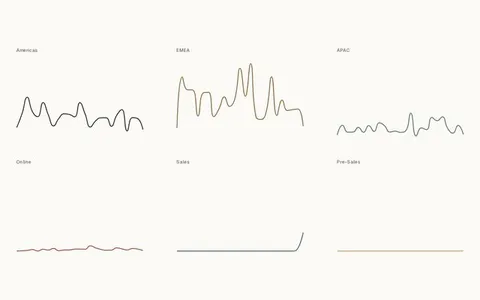
From KPI cards and gauges to Sankeys, maps and candlesticks — eleven groups, each with several layouts, served from your own server.
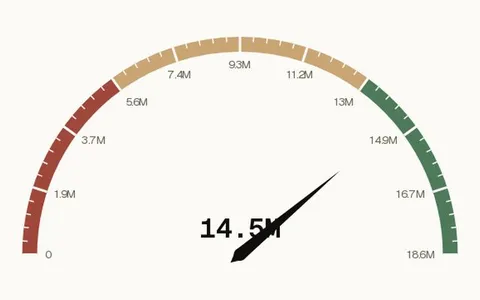
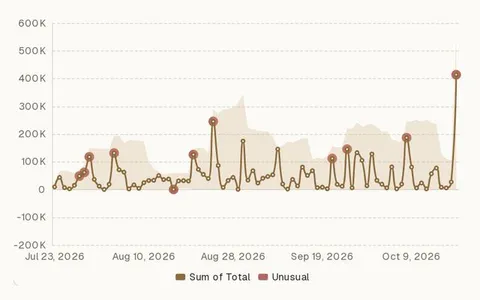
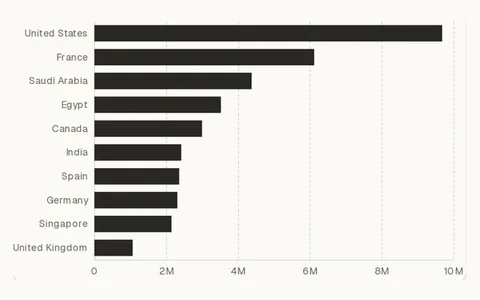
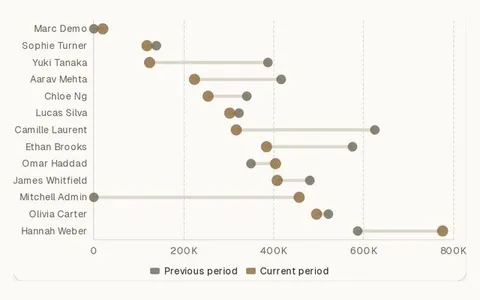

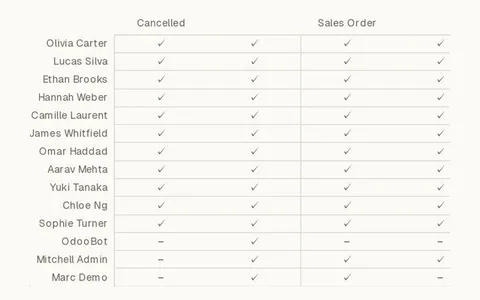
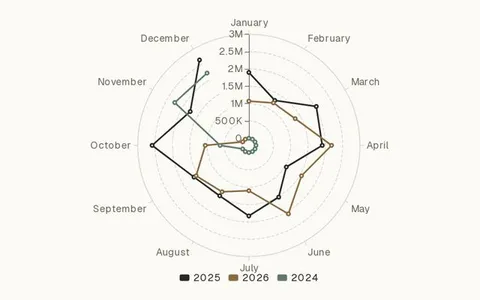
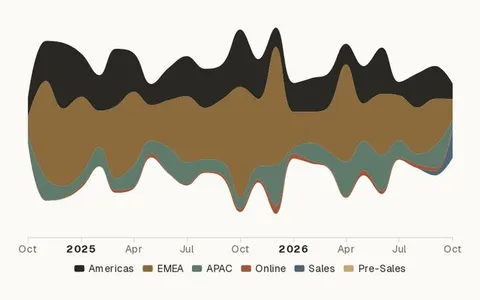
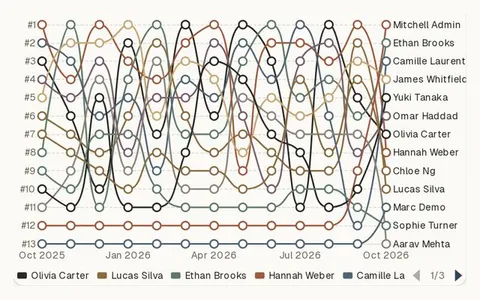
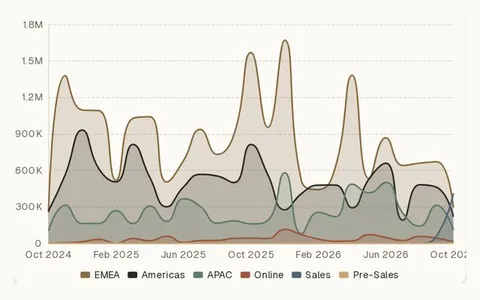
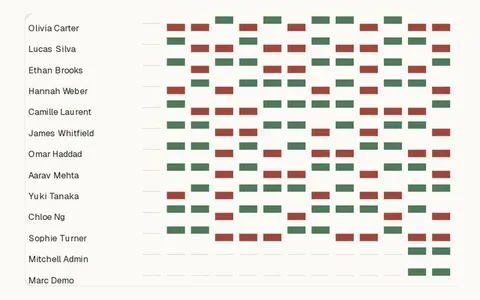
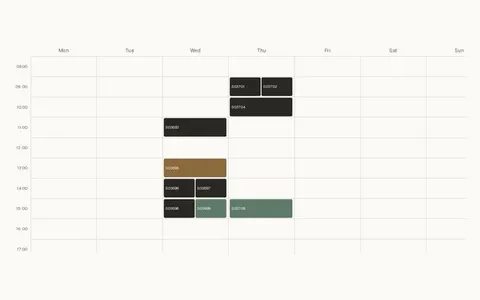
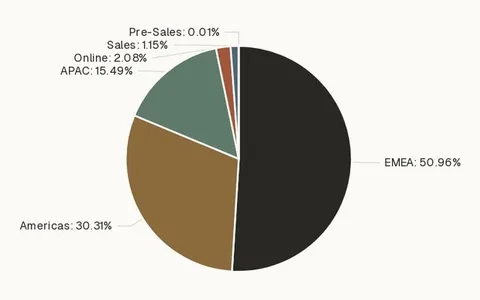
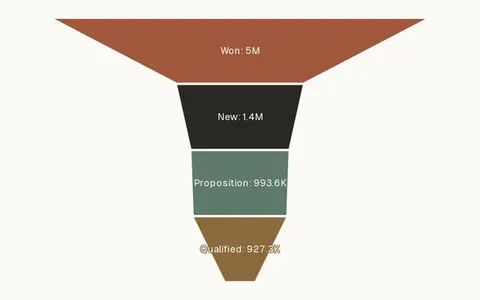
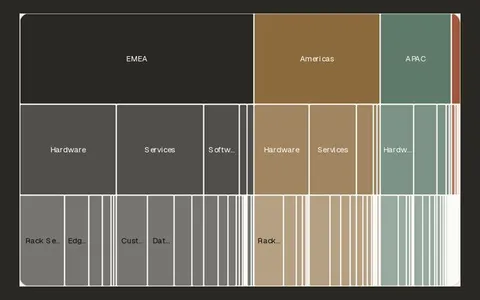
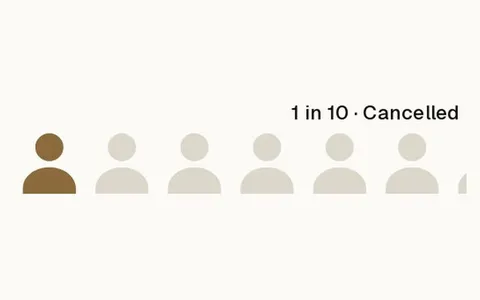

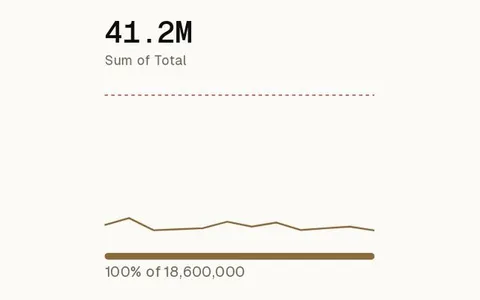
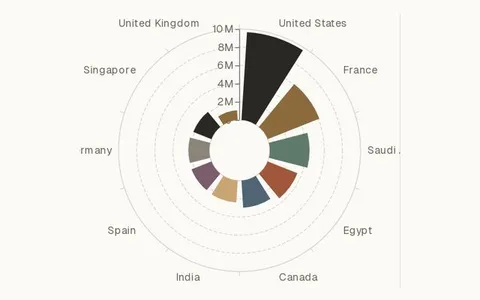
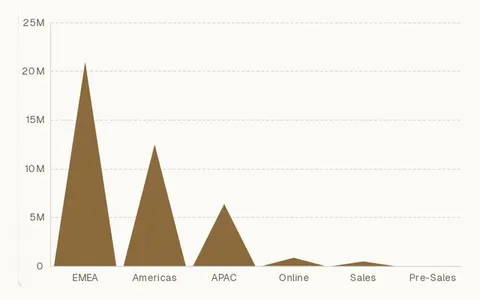
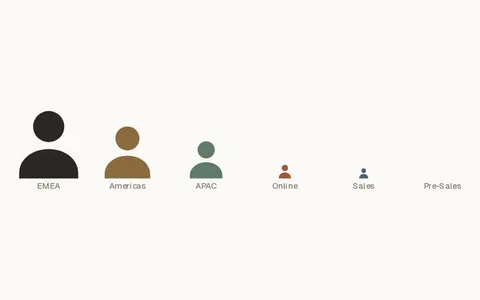
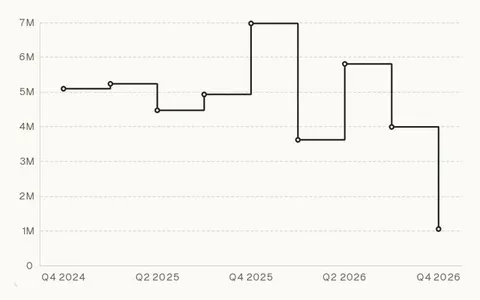
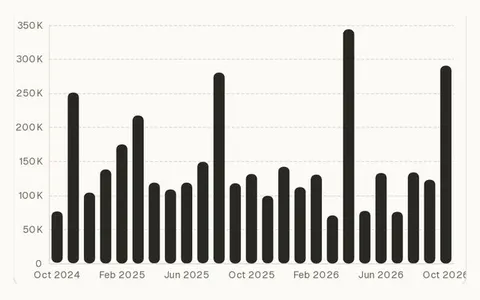
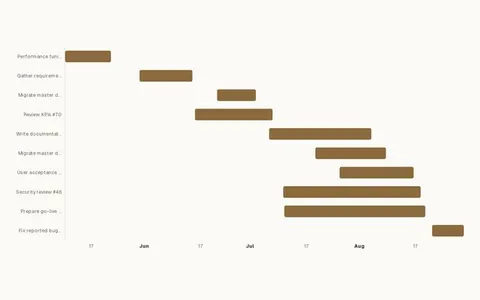
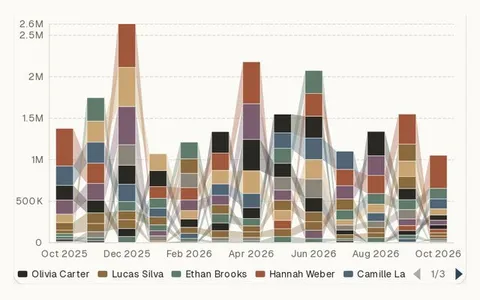
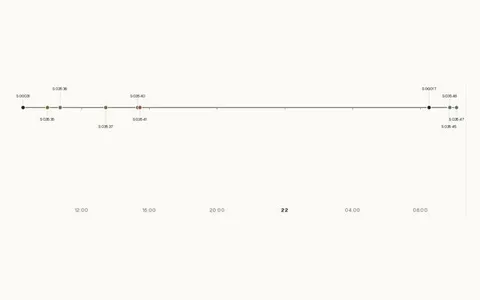
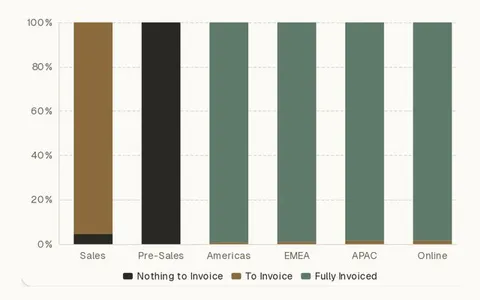
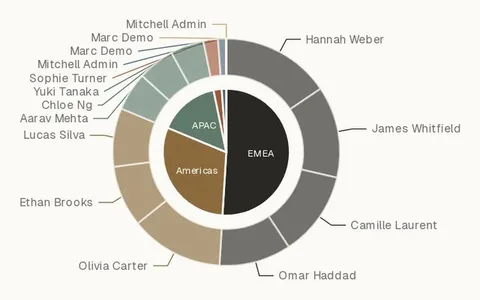
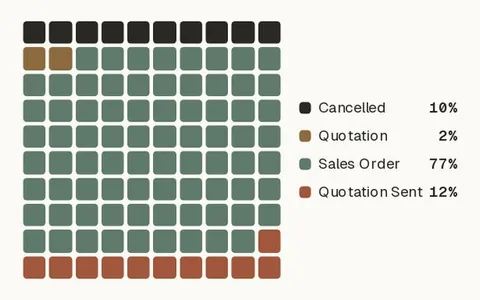
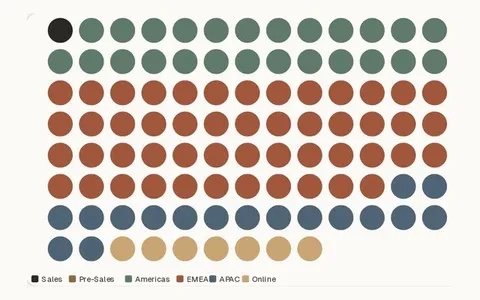
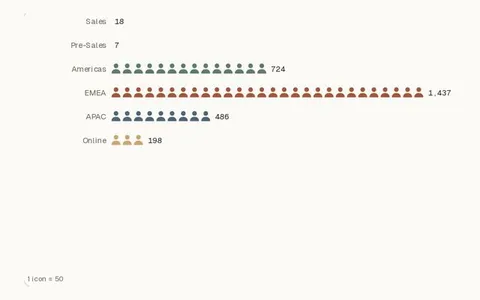
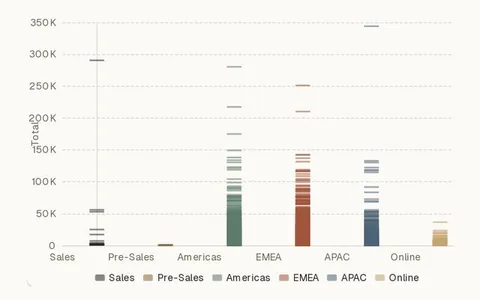
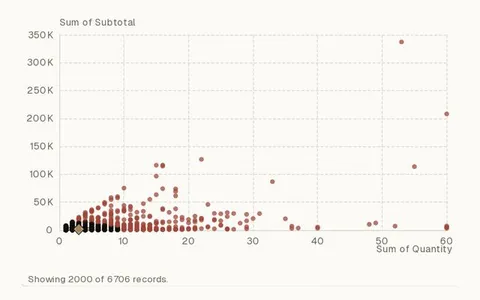
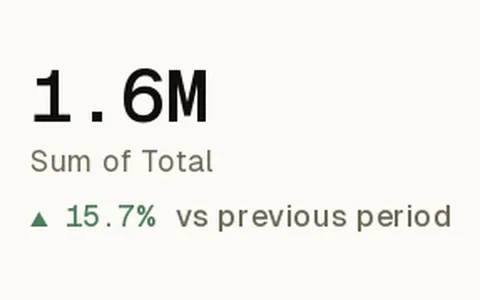
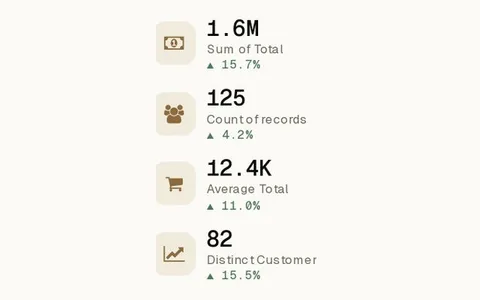
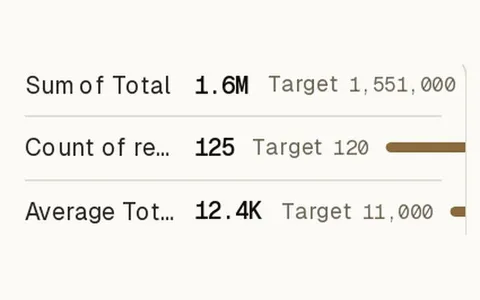
Headline numbers, gauges, goals and scorecards.
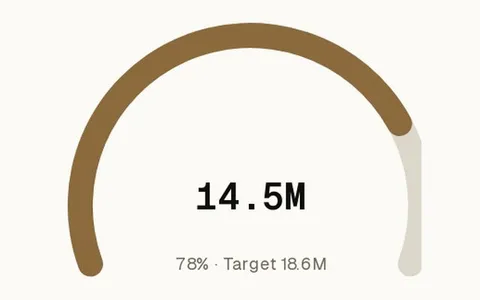
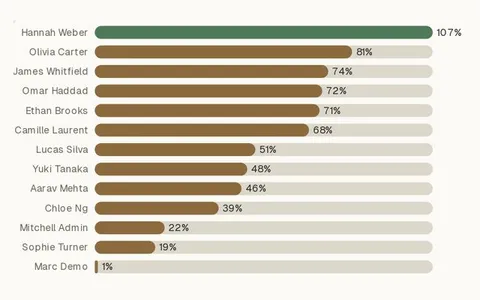
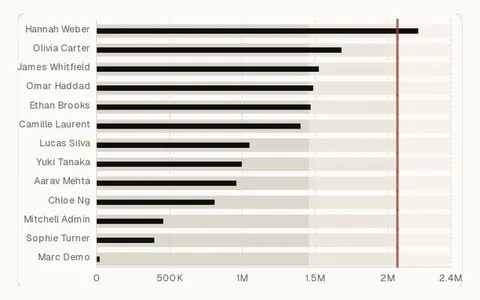
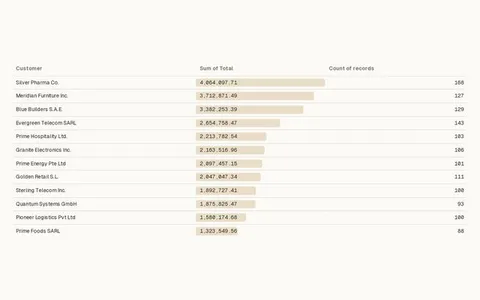
Everything you need to see, ask and act.
No add-ons to buy. Seven capabilities, all in the one module — scroll through them.
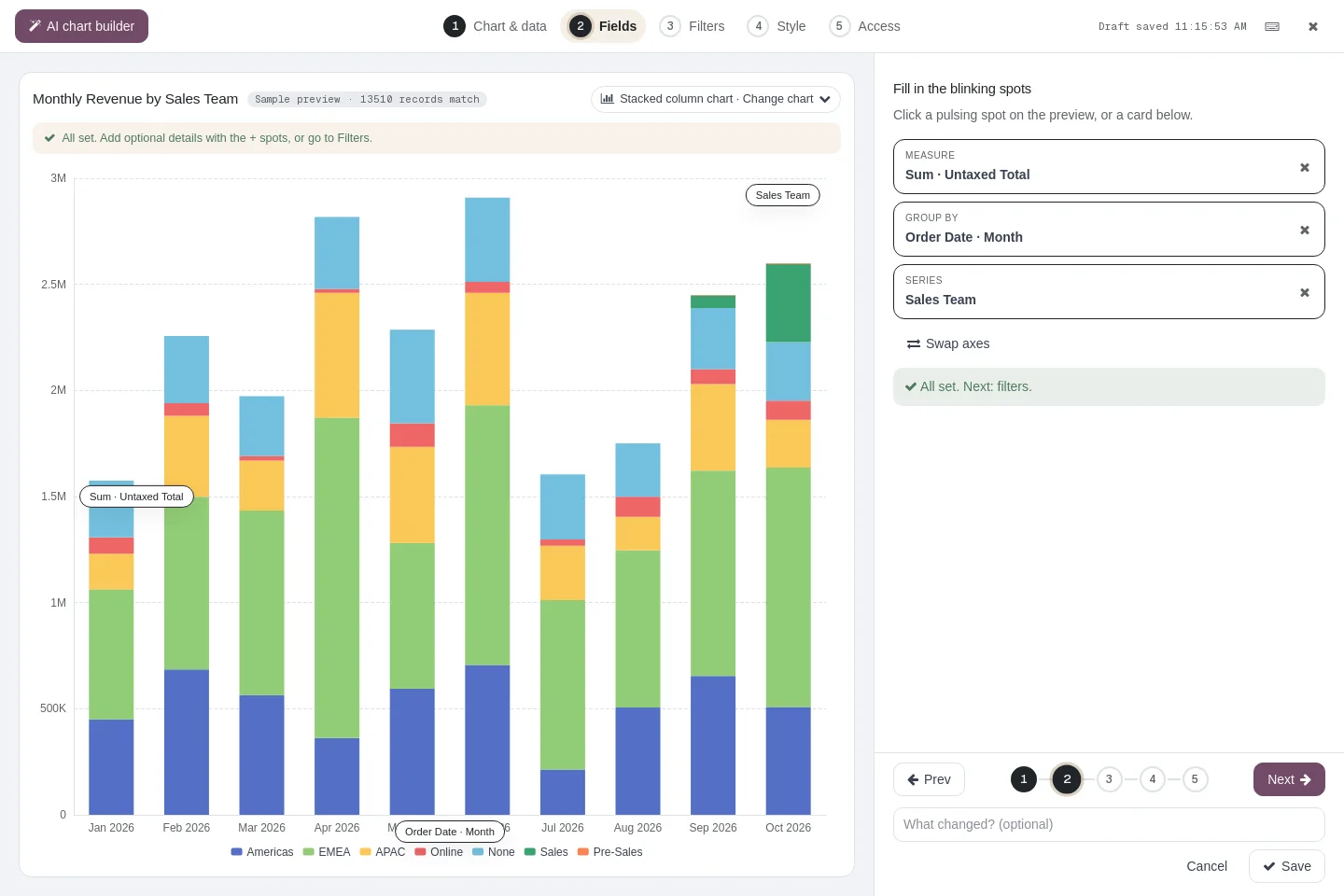
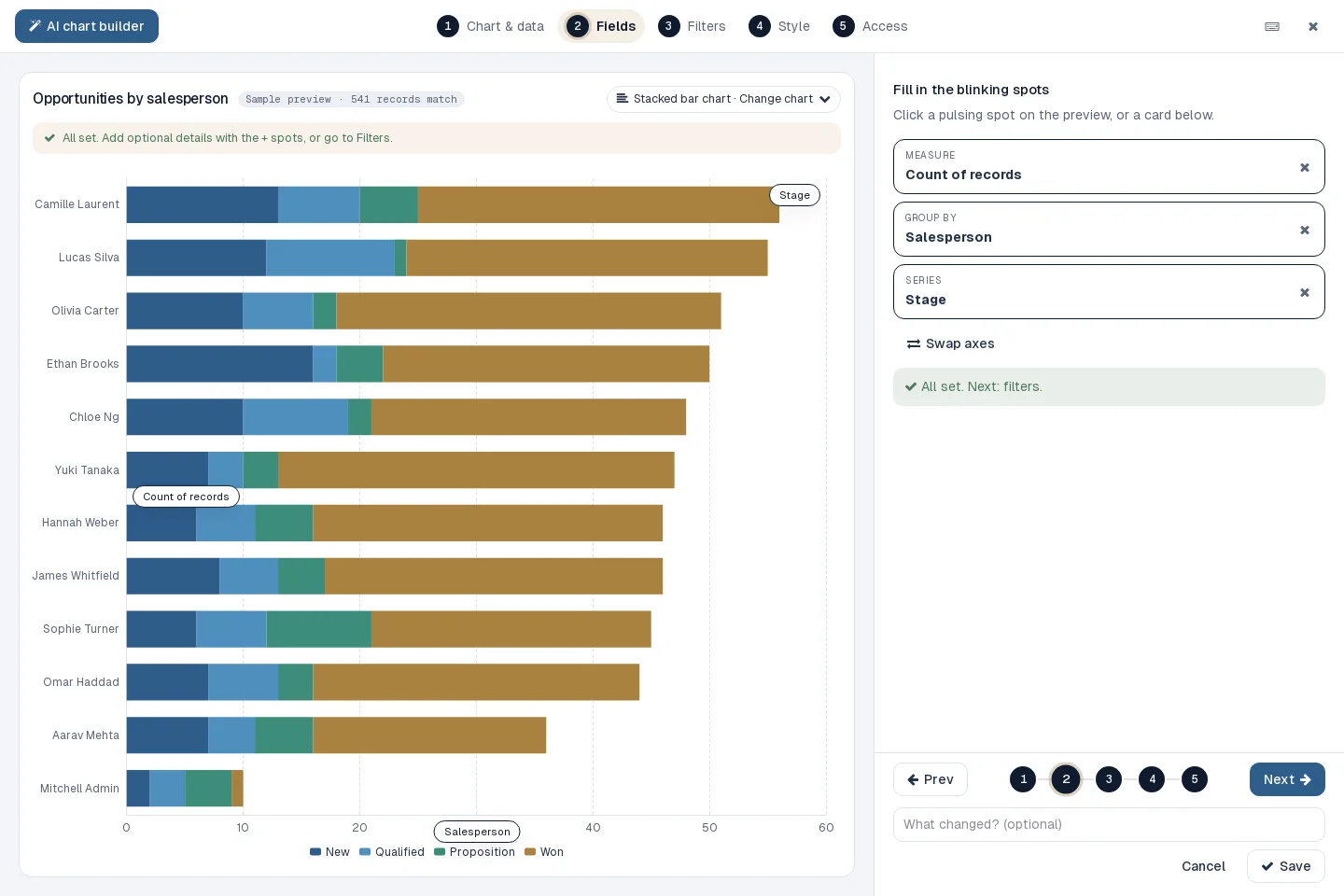
Guided builder
Blinking spots on a live preview show what to fill in next — so anyone can build a correct chart on the first try.
- Chart and data → Fields → Filters → Style → Access
- Record count on sampled data as you go
- Undo, redo and drafts saved automatically
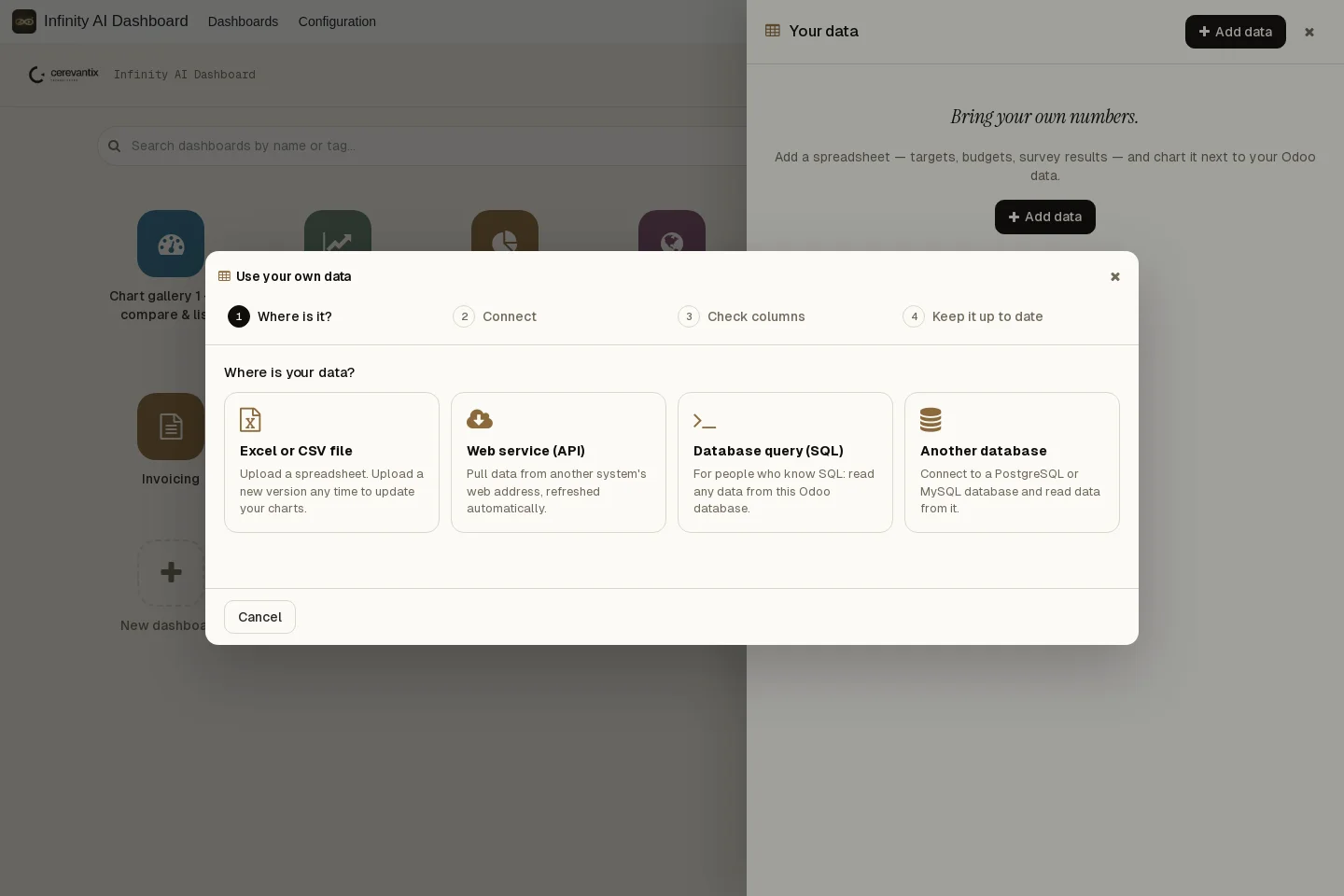
Your own data
Chart data that lives outside Odoo right next to your Odoo figures. A four-step wizard checks every column.
- Excel and CSV files
- Web APIs with key, token or login
- SQL queries and external PostgreSQL or MySQL
- Scheduled refresh, encrypted credentials
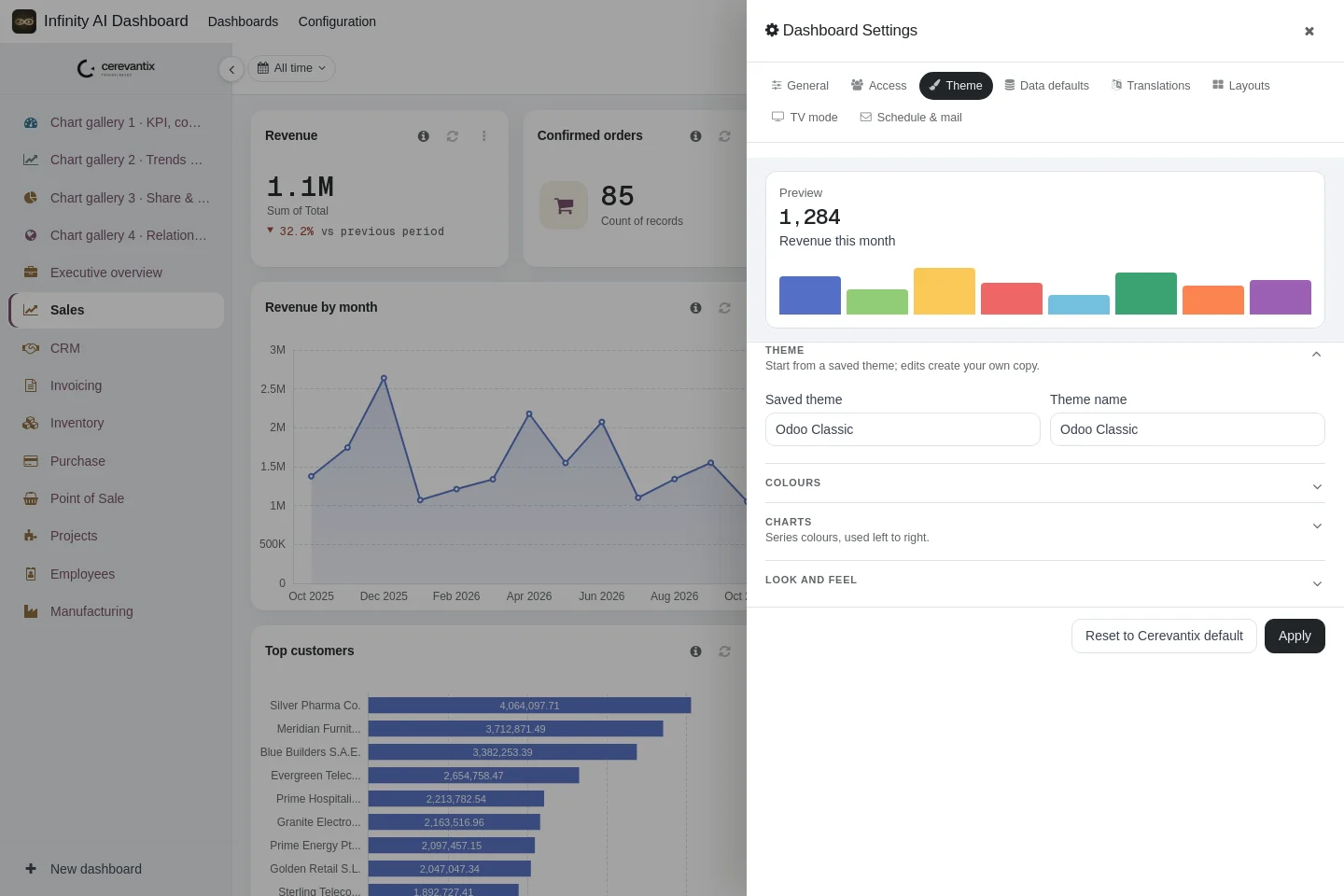
Your brand, everywhere
One theme styles the whole dashboard and every chart on it, and can be reused on any dashboard.
- Background, cards, sidebar, text and accents
- Your font, six palettes or your own colour codes
- Light and dark mode
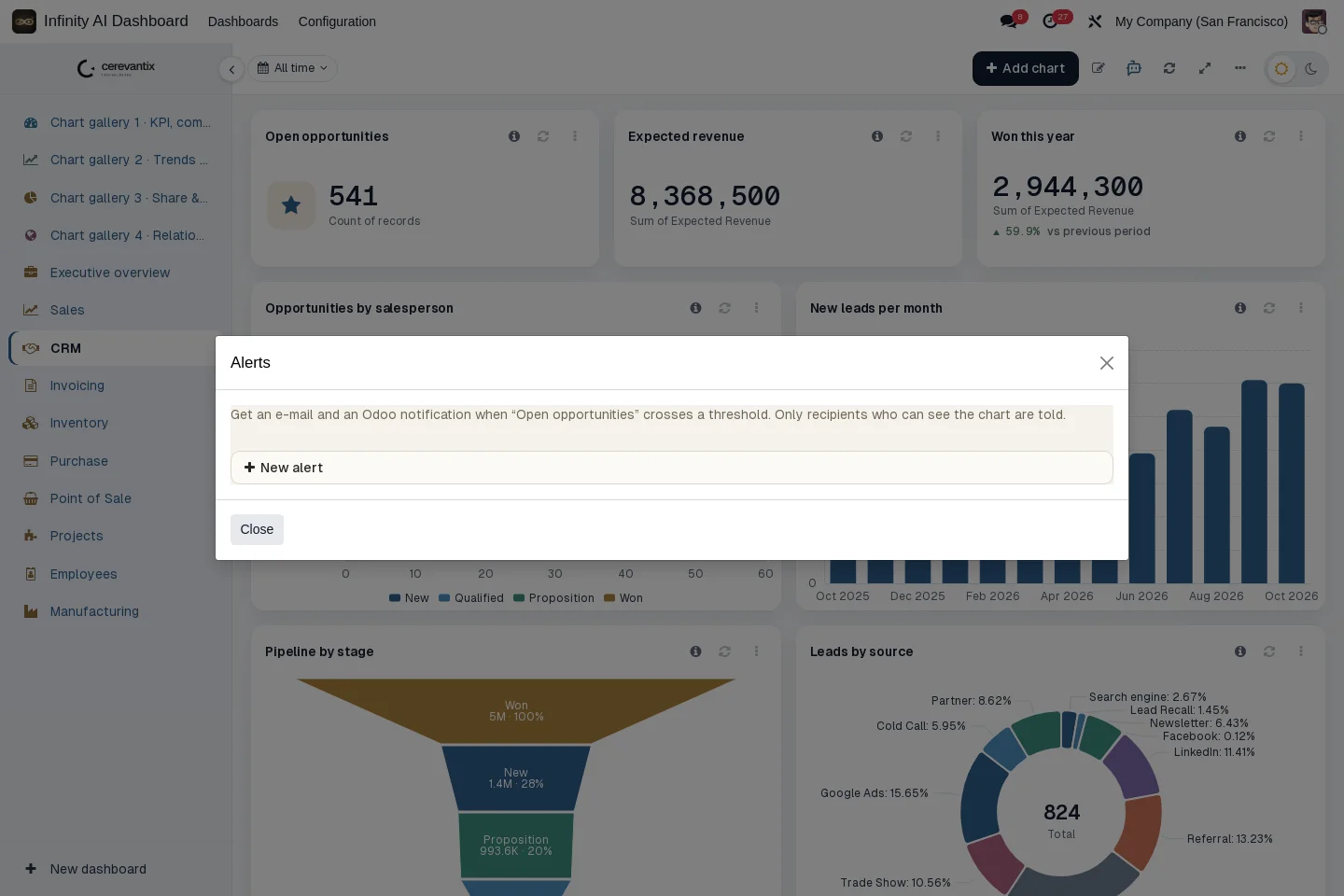
Threshold alerts
Know the moment a key figure moves — instead of finding out at month end.
- Above or below a value, or a % rise or fall
- Quiet period to avoid repeat alerts
- Daily, weekly or monthly summaries in each recipient’s language
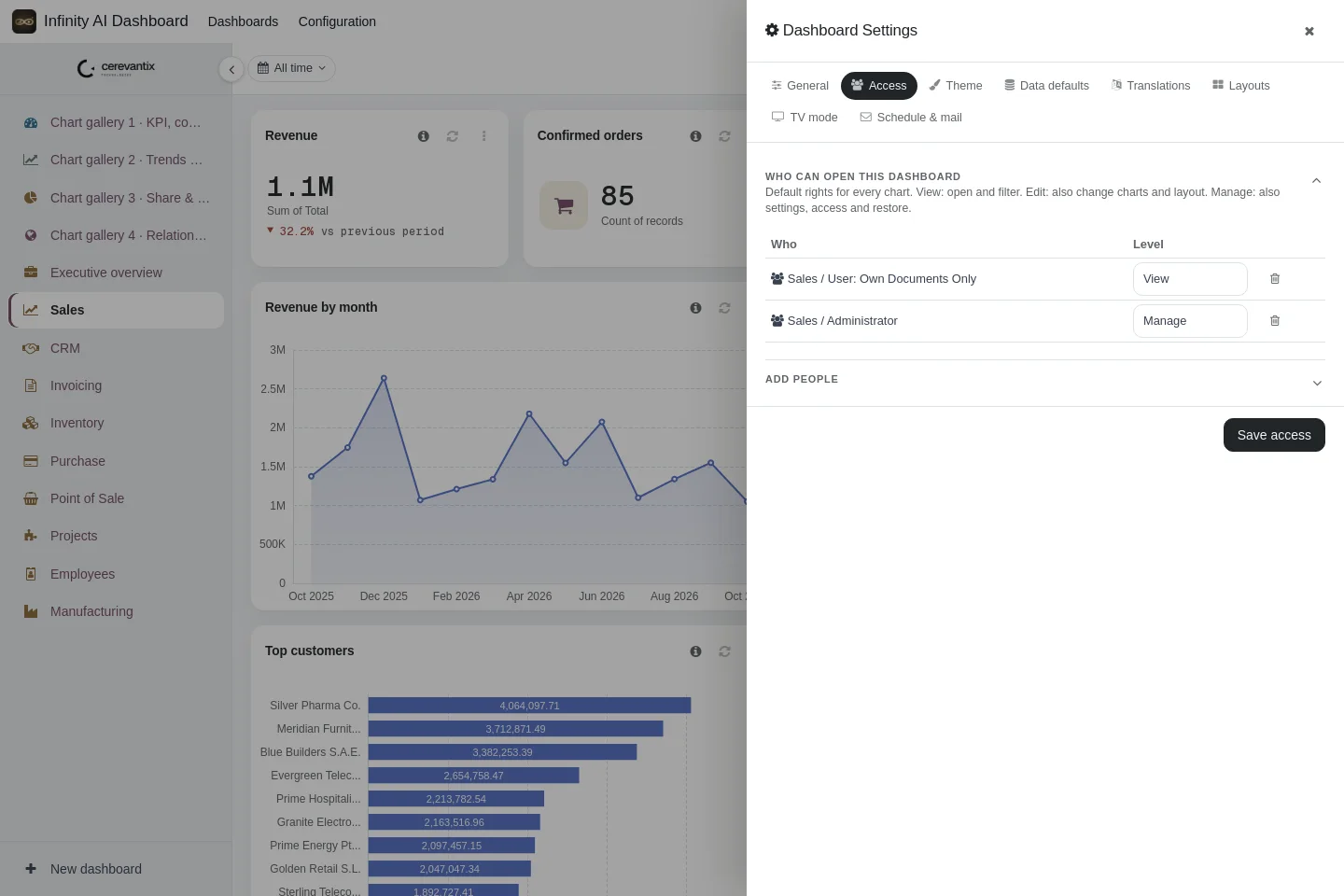
Access rights
Data always runs as the viewer, so Odoo record rules apply to every chart and every AI answer.
- Rights per dashboard for groups or single users
- Override per chart
- Preview a chart as another user
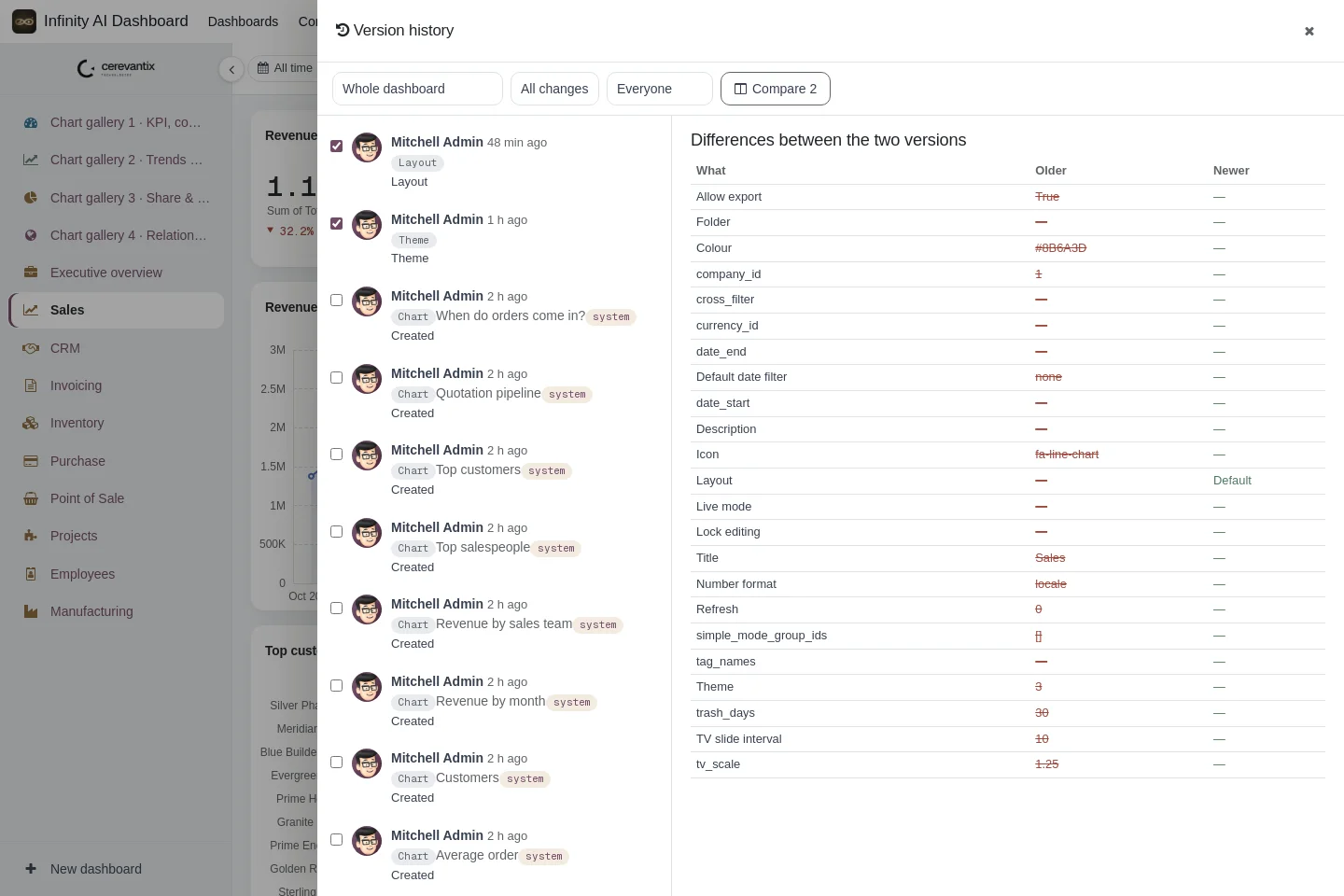
Version history
Every edit is saved with who changed it and when — experiment freely, nothing is lost.
- Field-by-field comparison of two versions
- Restore any version in one click
- Trash for deleted items, and lock editing
Presentation-ready
Put the numbers where people see them — on the office screen, a tablet or a phone.
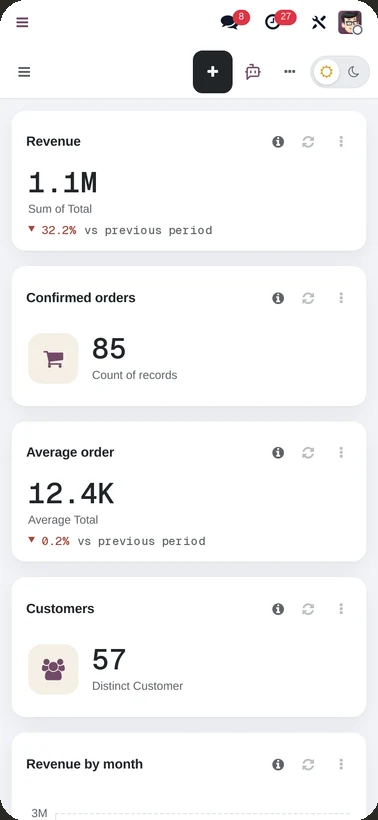
- Separate desktop, tablet and phone layouts
- TV-mode slideshow for office screens
- Keyboard shortcuts for every frequent action
From blank page to boardroom in four steps.
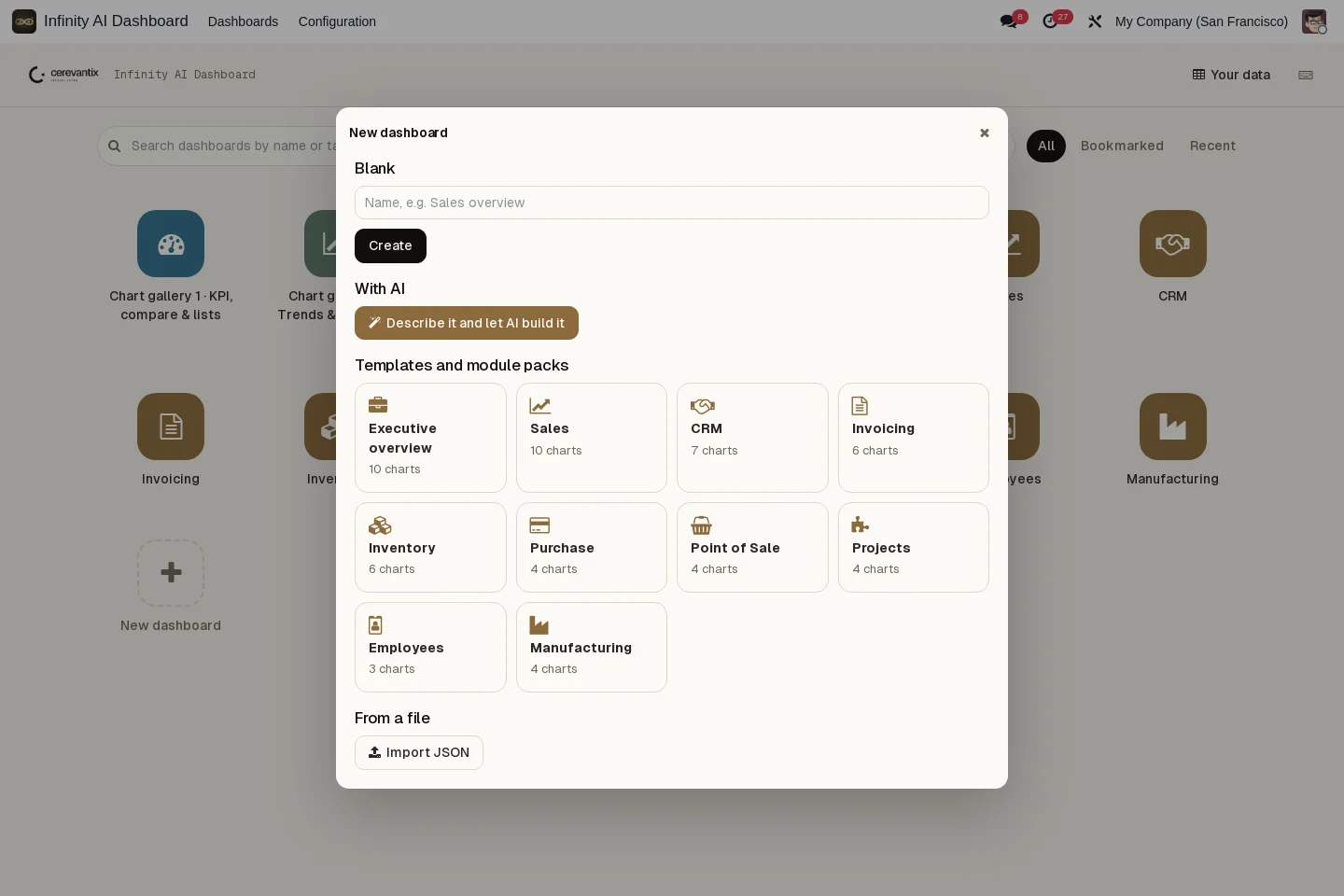
Start a dashboard
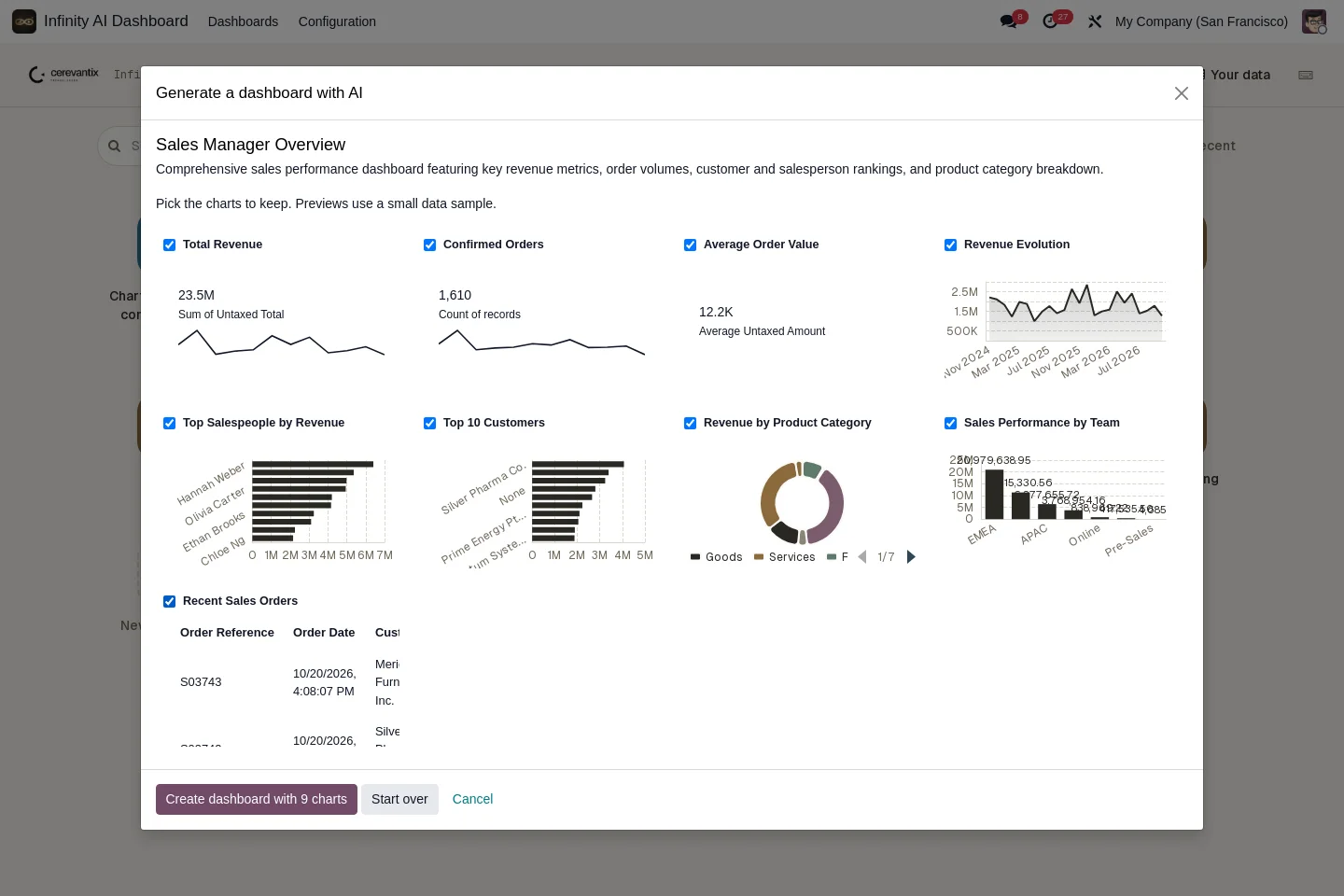

Pick a module pack or template, start blank, import a JSON file, or describe it and let AI build it.
Add your charts
Use the five-step guided builder or the AI chart builder, on Odoo data or your own data.
Share it safely
Give View, Edit or Manage rights to groups and users. Everyone sees only what they may see.
Stay on top of it
Ask questions, get explanations, receive alerts and summaries, and put it on a TV screen.
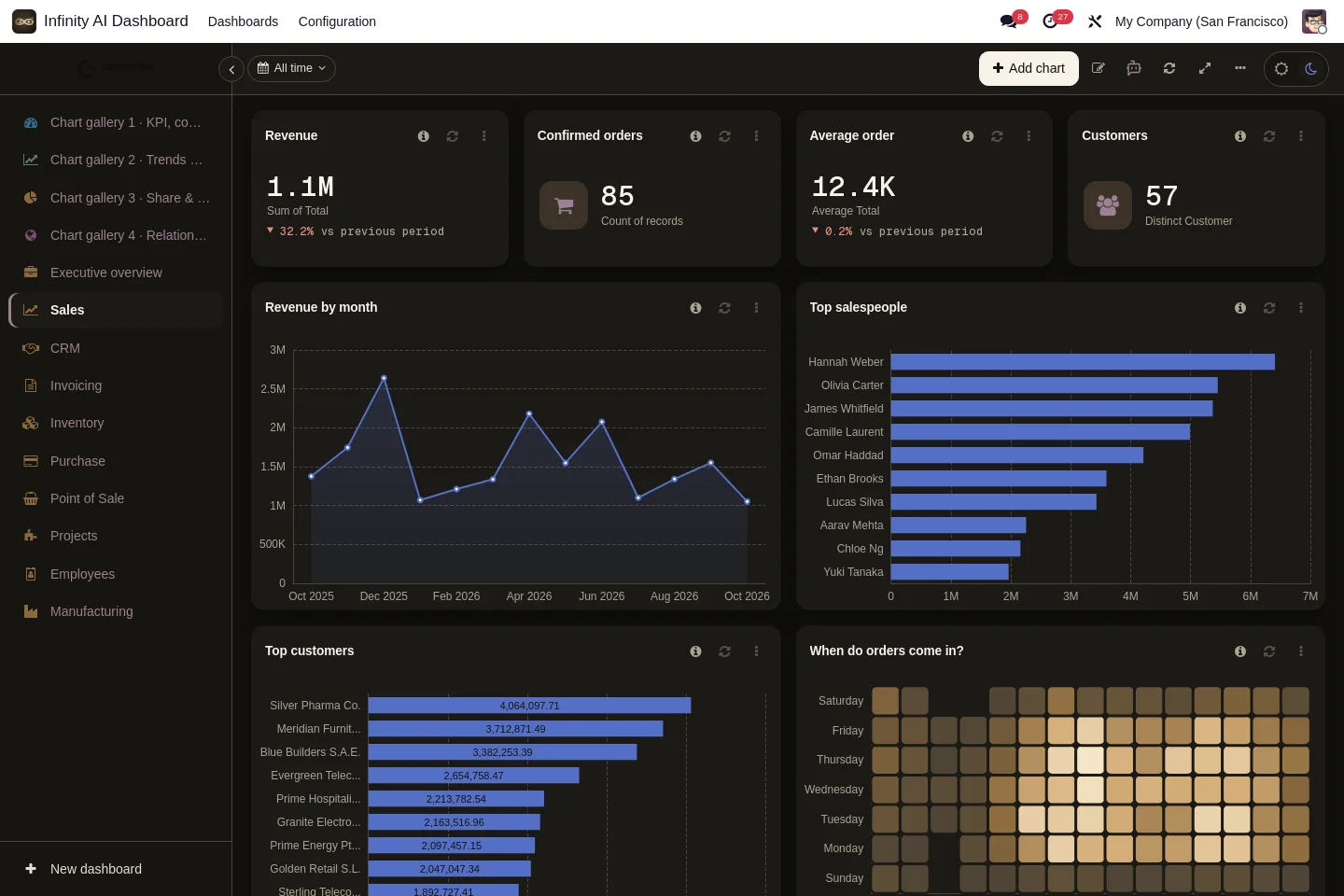
Beautiful in light. Striking in dark.
Responsive 12-column layouts with separate desktop, tablet and phone arrangements — and a light/dark toggle in the header.
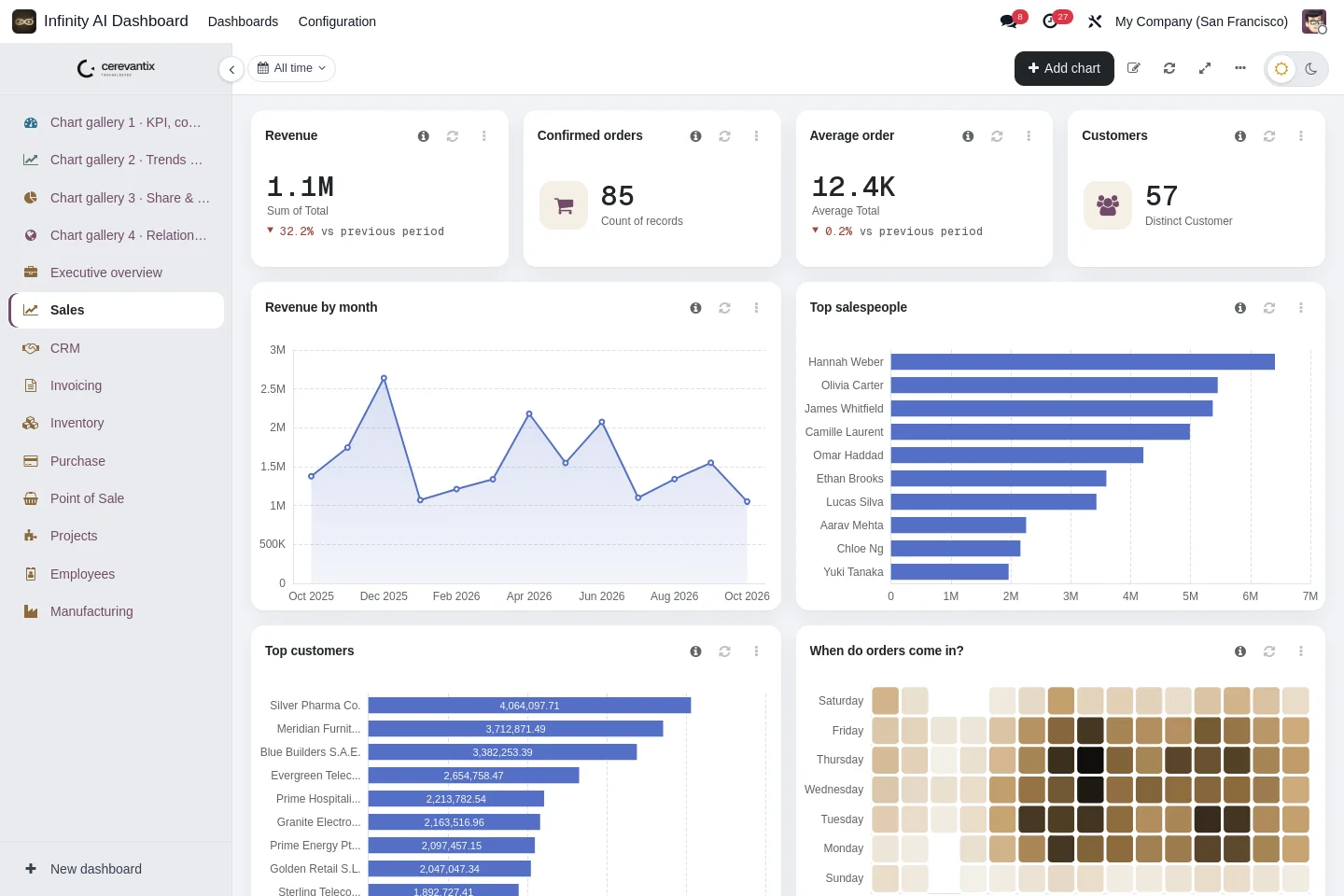
11 dashboards, ready in seconds.
61 pre-built charts across your Odoo apps, included at no extra cost. Pick a pack and it is created on your own data — fully editable afterwards.
Executive overview
10chartsRevenue by month and team, expected revenue, pipeline, invoiced, still to collect, late transfers, purchased.
Sales
10chartsRevenue, confirmed orders, average order, top salespeople and customers, quotation pipeline, order-time heatmap.
CRM
7chartsOpen opportunities, expected revenue, won this year, pipeline by stage, leads by source, new leads per month.
Invoicing
6chartsInvoiced, still to collect, vendor bills, invoiced per month, payment status, top customers.
Inventory
6chartsTransfers to process, late transfers, units on hand, transfers by type and status, stock by location.
Purchase
4chartsPurchased, RFQs waiting, purchases per month, top vendors.
Point of Sale
4chartsPOS sales today, orders today, sales by shop, busy hours.
Projects
4chartsOpen tasks, overdue tasks, tasks by project and stage, tasks by priority.
Manufacturing
4chartsOrders in progress, quantity produced, orders by status, top products made.
Employees
3chartsEmployees, headcount by department, headcount by job position.
Website
3chartsVisitors, visitors by country on a map, visits per day.
Describe it in one sentence and the AI assistant drafts the charts.
Made for the people who use the numbers.
Managers build their own dashboards without code or SQL, while technical users still get full control when they want it.
No code. No SQL. No waiting.
- Ask questions in plain language — no query language to learn
- Describe a dashboard in one sentence and AI drafts it
- Five guided steps with blinking spots that show what to fill in
- 11 ready-made packs to start from
- Drag, resize and undo, like any modern app
- Safe to experiment: every change can be restored
Depth when you need it.
- Any Odoo model and field, including your custom ones
- Odoo domain editor, with a raw domain view for advanced filters
- Read-only SQL on the Odoo database (administrators)
- External PostgreSQL and MySQL, and web APIs with key, token or login
- JSON import and export of dashboards and charts
- OpenAI-compatible and self-hosted AI models
One app for the whole company: the same dashboards, the same data, the same access rules.
AI that respects who’s asking.
The assistant proposes; Odoo decides. Your data never leaves through a side door, and the AI is entirely optional.
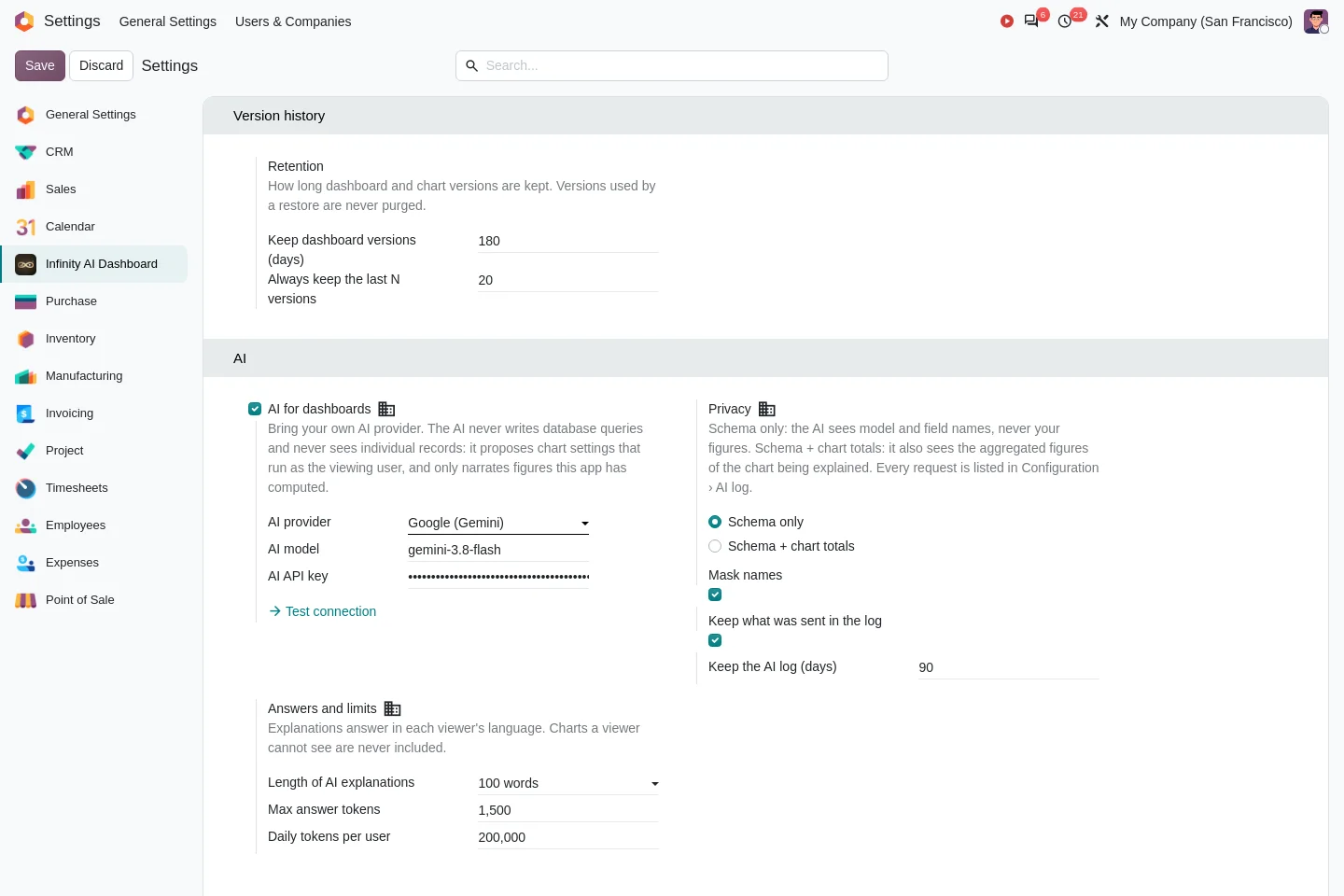
Runs as the viewer
Every chart and every AI answer is computed by Odoo as the current user. Record rules apply exactly as everywhere else.
Your figures stay home
By default only model and field names and your question are sent — never your figures. Record names are masked first.
No AI-written SQL
The AI only proposes chart settings. Odoo validates them and runs the query itself.
Every request logged
Cap daily token usage and review each request in the AI log. AI is optional — everything else works without it.
Thirty seconds, start to finish.
Launcher, live dashboards, Ask your data, the chart gallery, the AI chart builder, maps and the dark theme.
Everything included. One price.
Introductory price for early customers — you save $300.
- The AI assistant, with your own provider key
- All 179 chart types and the guided builder
- 11 ready-made dashboard packs
- Your own data: files, APIs, SQL and databases
- Alerts, e-mail summaries, TV mode and themes
- Unlimited free support
- Free translation into your team’s language
What buyers ask before installing.
Anything else? Email support@cerevantix.com — support is unlimited and free.
Community and Enterprise, on-premise or on Odoo.sh. It depends only on standard base apps, and the module packs appear for the business apps you have installed.